
 Before
After
Before
After
Old print
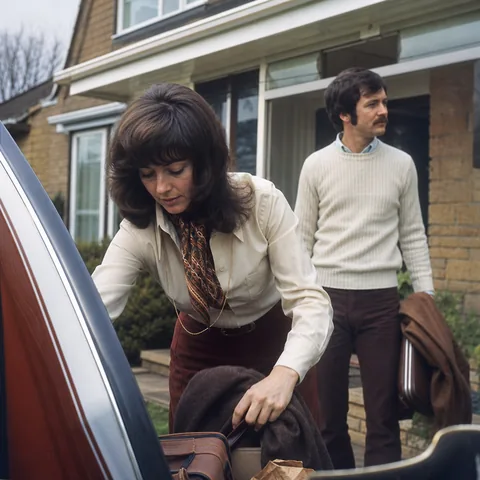
old printA 1970s family print with soft edges and faded faces, now with crisp hair, clear eyes and readable fabric texture.
Drop a blurry or old photo and watch it come back sharp. The preview is free, full resolution comes with a plan.

The preview runs in your browser, so your photo stays on your device.
These are our own sample photos, so you can see the kind of fixes the AI makes. Tap or hover a card to switch between before and after.
Before
After
A 1970s family print with soft edges and faded faces, now with crisp hair, clear eyes and readable fabric texture.

 Before
After
Before
After
A running toddler caught with motion blur, now with a steady face and sharp eyelashes without a plastic look.

 Before
After
Before
After
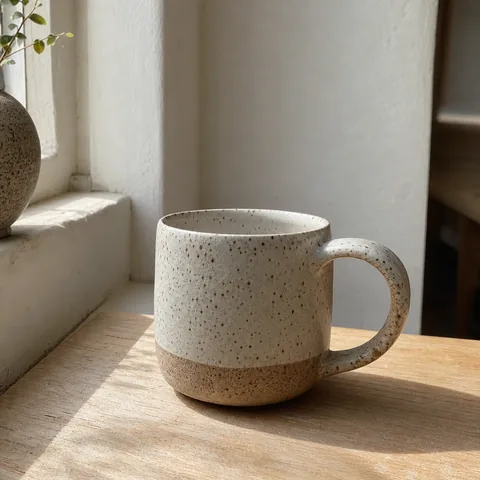
A ceramic mug photographed in dim light, now with clean edges, true glaze texture and a sharp logo area.

 Before
After
Before
After
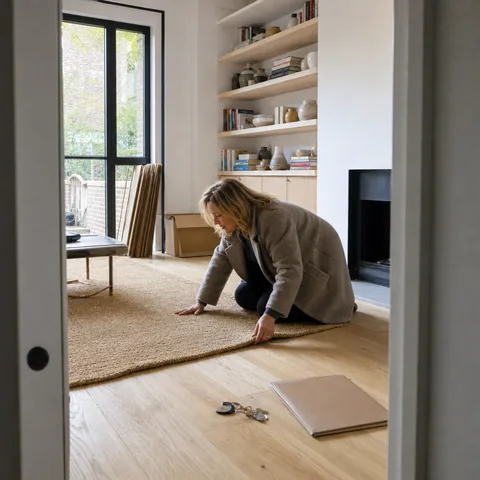
A soft wide-angle interior, now with straight sharp lines on shelves, window frames and furniture.

 Before
After
Before
After
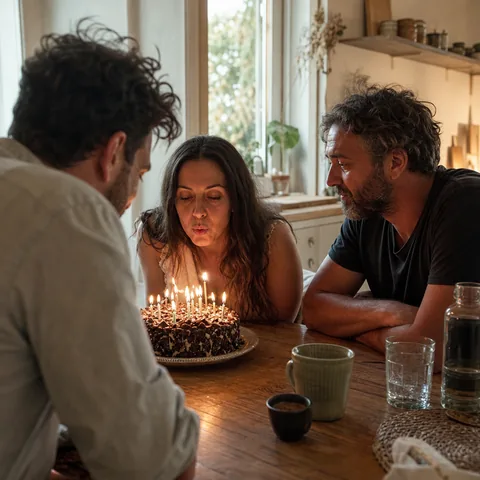
A frame grabbed from a birthday video, now with less smearing, cleaner skin tones and twice the resolution.

 Before
After
Before
After
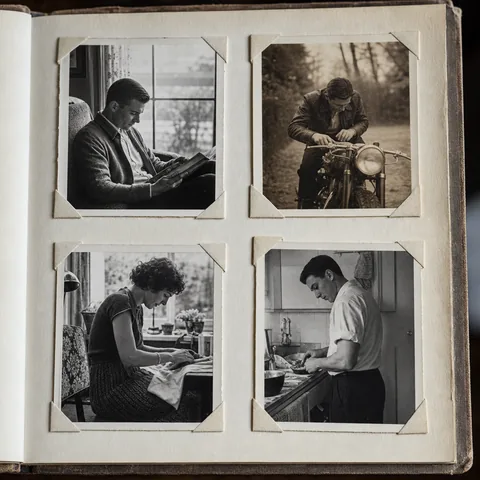
A washed-out scan of an old album page, now with restored contrast, reduced grain and recovered detail in the shadows.

Pick a photo from your phone or computer and tell us what kind it is, so the right settings apply from the start.
We measure how the photo is blurred and reverse as much of it as the photo allows. Then we rebuild fine detail: edges, hair and texture.
Compare before and after with the slider. Then download a sharp full-resolution file without a watermark on any plan.
Curious what happens behind the slider? Read how to unblur a picture step by step.
Try it on your photoShaky hands and moving subjects leave streaks. We pull those streaks back into clean edges.
The camera focused on the background instead of the person. We bring the soft subject back to a sharp, natural look.
Dim rooms and evening shots get grainy. We remove the grain and keep skin, fabric and hair detail.
Prints that lost contrast and color over the decades get their depth, tones and fine detail back.
Small photos from old phones, messaging apps and social media come back at 2x or 4x the size, ready for screens and print.
Blocky squares and color banding from heavy compression get smoothed out, so the photo looks clean again.
UnblurPicture rebuilds detail from what your photo actually contains. It cannot recover detail the camera never captured, so an extremely blurred photo may improve only partly. Faces are restored carefully and never reshaped into someone else. It is not made for identifying people, enhancing faces from security cameras, reading license plates or uncovering blurred text. The result is an enhanced photo, not evidence.


Pro and Studio turn one tool into a photo workflow for teams that publish new images every week.

Fix soft product photos in batches of 20 or 100, then upload sharp, high-resolution images that meet marketplace image rules. Read more about ecommerce photo editing.

Crisp up interiors and phone shots of listings, so rooms look clean and detailed on large screens. See the real estate photo editor.
Process client folders with the bulk image upscaler or connect your own app through the image upscaling API.
For family photos and everyday shots.
Monthly priceYearly price
$19 per month
$9 per month, billed $108 yearly
Included each month
For sellers, real estate photographers and freelancers.
Monthly priceYearly price
$49 per month
$24 per month, billed $288 yearly
Included each month
For teams, agencies and developers.
Monthly priceYearly price
$149 per month
$74 per month, billed $888 yearly
Included each month
There is no free plan. You get one free preview, then a plan when you want full resolution.
Yes. Every device gets one free preview at 640 px with a watermark, and it runs in your browser, so you can judge the result before you choose a plan.
Your free preview never leaves your browser. Photos you process on a plan stay in your private history for 30 days and you can delete any of them at any time.
It fixes most motion blur, focus blur, noise and low resolution, but it cannot recover detail that was never captured, so a photo that is extremely blurred may improve only partly.
No. Faces are restored with care for the real features in your photo, so people keep their own look instead of a smoothed, reshaped face.
Personal delivers up to 4,000 px on the long edge, enough for a sharp 8 by 10 inch print, and Pro and Studio go up to 8,000 px with TIFF export for large prints and canvases.
Pro and Studio include a commercial use license for product listings, real estate listings and client work, while Personal covers personal use.
Yes. You cancel in your account in a few clicks and your plan stays active until the end of the period you already paid for.
Yes. Studio includes a REST API with an API key and webhooks that tell your app when a batch is done.
Payments are final, with narrow exceptions such as a double charge, which is why we give you a free preview first. The details are in our refund policy.

When you need to unblur a picture, classic sharpening in an editor usually adds halos and grain instead of real detail. UnblurPicture estimates the blur first and then rebuilds edges and texture. That is why the result looks like a sharper photo, not an over-processed one. Start with any photo, and read how AI unblurs a photo if you want to know what happens behind the slider.
How you fix a blurry photo depends on where it came from. Phone shots suffer from motion and low light, old prints from fading and soft focus, video stills from compression. Presets set the right defaults for each. Dedicated guides cover picture restoration for family albums and blurry iPhone photos taken every day.
To make a blurry picture clear enough for a frame, sharpness and size have to improve together. UnblurPicture sharpens and upscales in one pass, 2x on Personal and 4x on Pro and Studio. A small soft photo becomes a print-ready file you can order as a photo book page, a canvas or a gift.

Drop a photo, watch it sharpen in your browser, and keep the full-resolution version with a plan.
Unblur my photo

